
Be the first to know!
Get the latest scoop on Rachel’s Mediterranean Grill, including updates on new locations and exclusive discounts just for loyal customers.
We do not spam or blow up your inbox. And of course, you can unsubscribe at any time.
Earning points towards free food has never been easier.
We wanted to show our appreciation for our loyal customers by offering a loyalty program that gives back. We know that our customers are busy and always on the go, so we wanted to make it as easy as possible for them to take advantage of the program and earn free food.
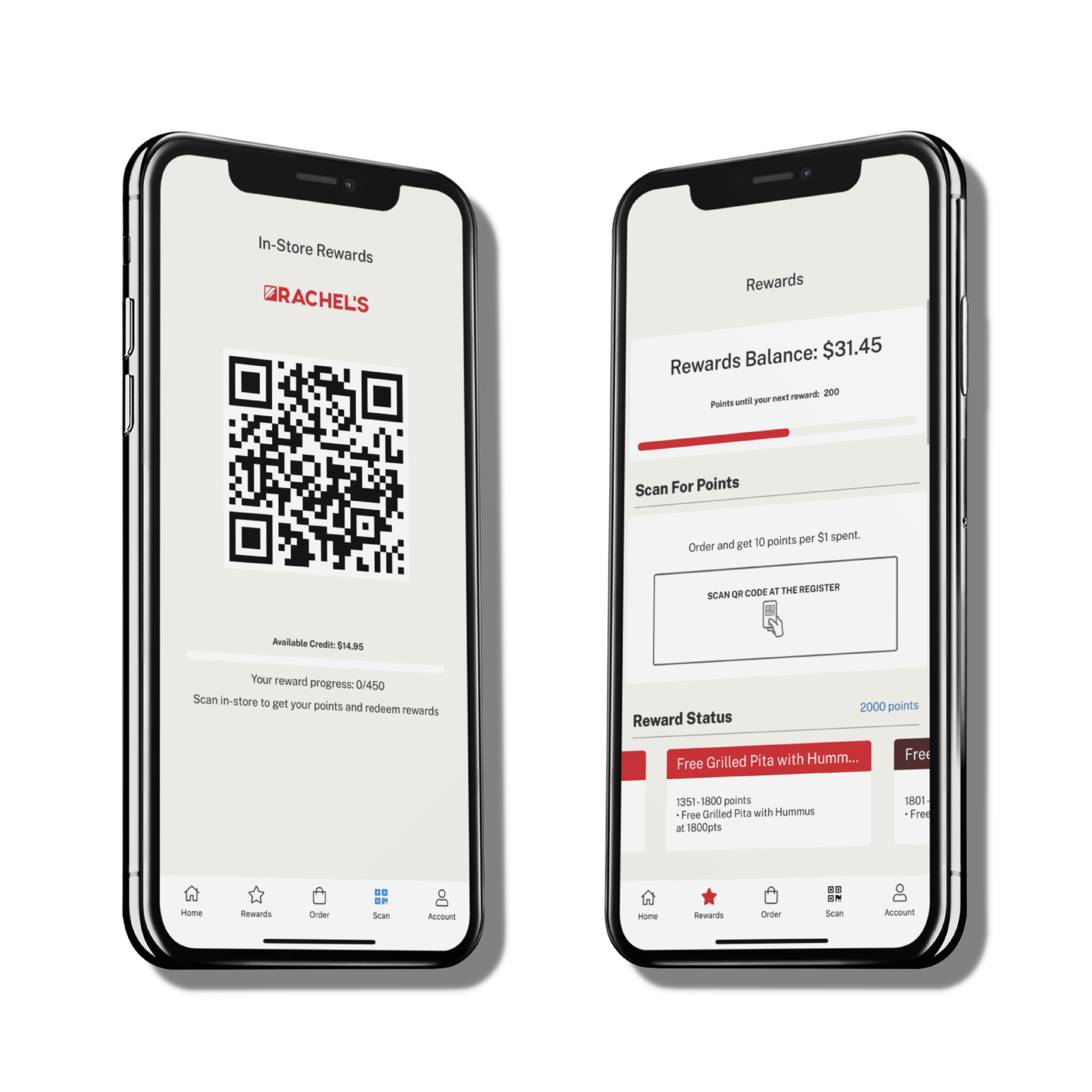
With Rachels Rewards, there’s no need to keep track of a physical card — everything is digital and built right into the app.
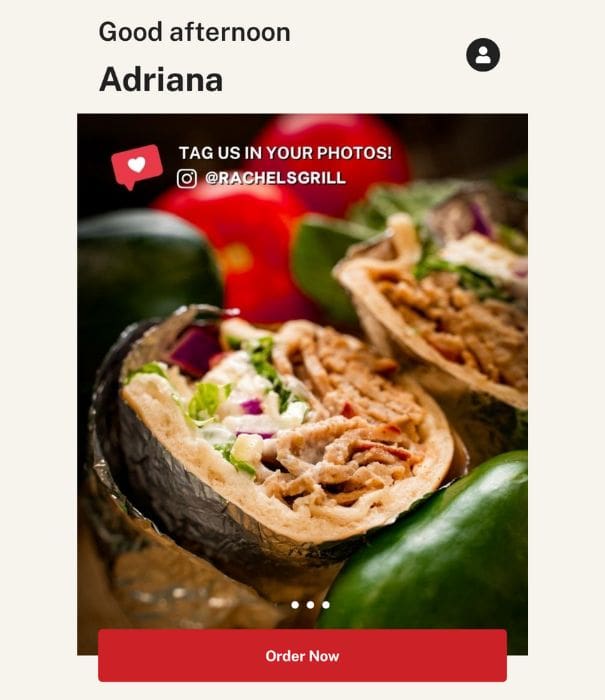
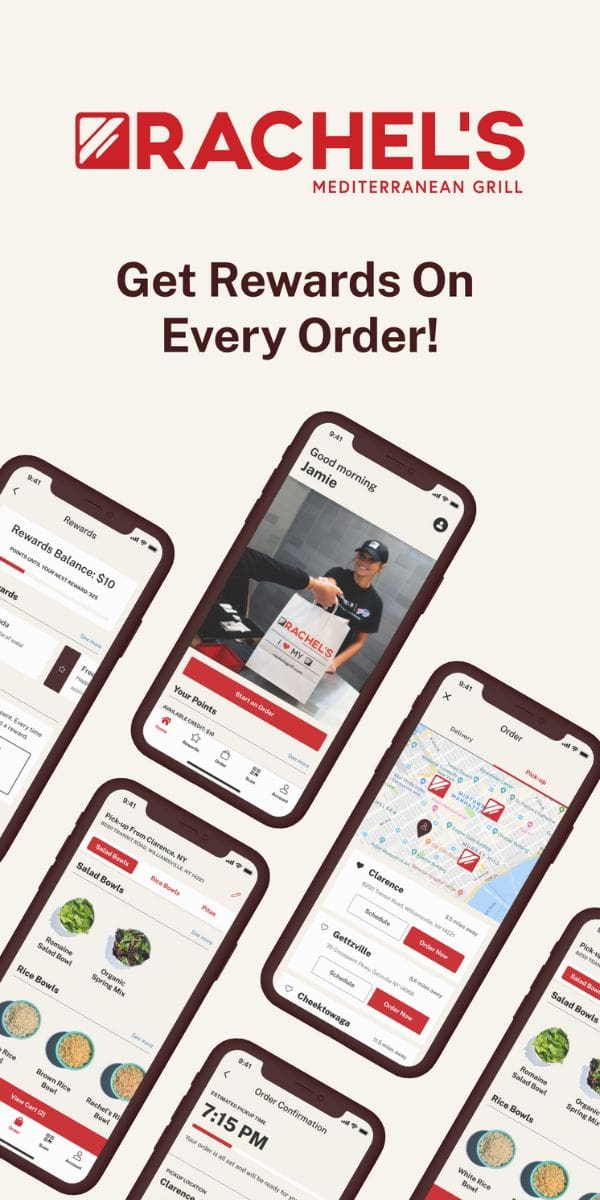
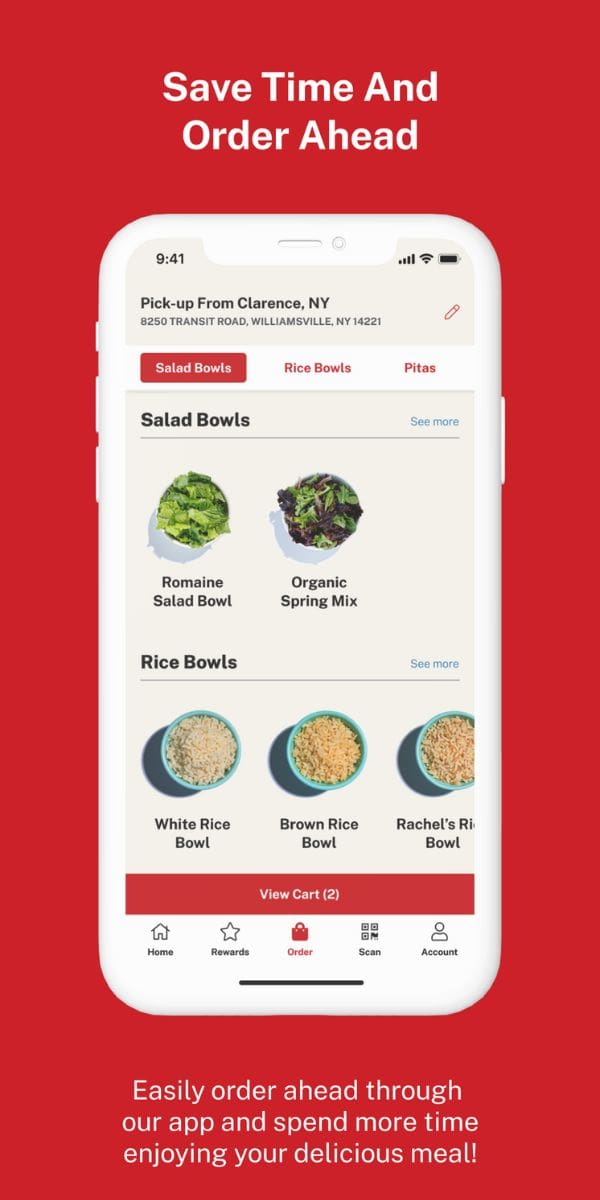
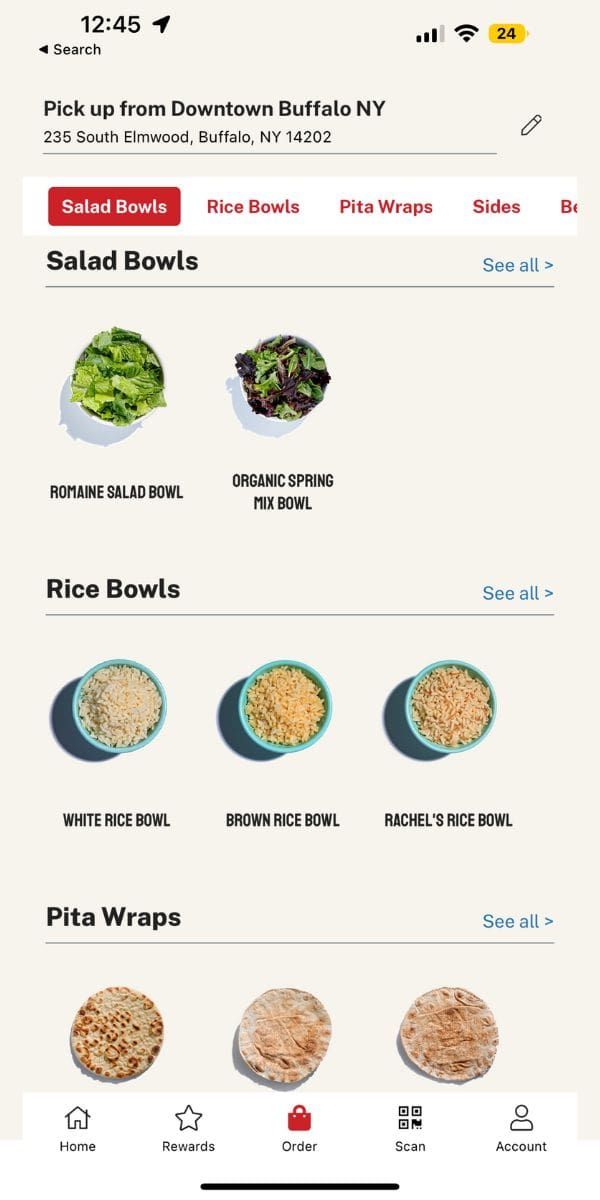
Spend more time enjoying your delicious meal when you order ahead using our app!
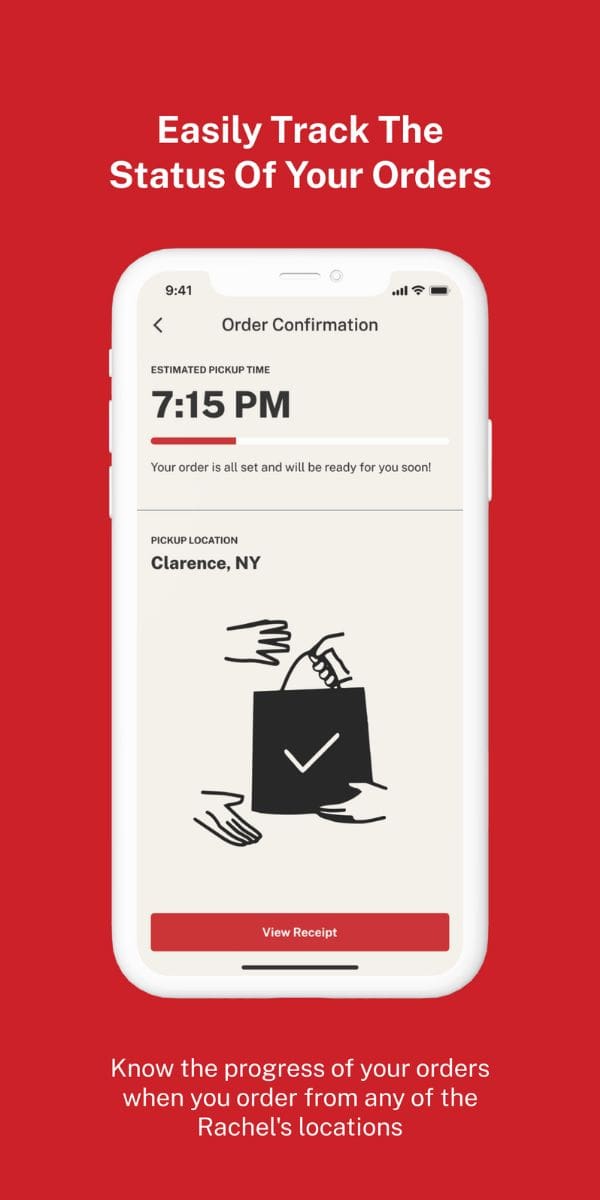
Track the progress of your order when ordering online or on the app!
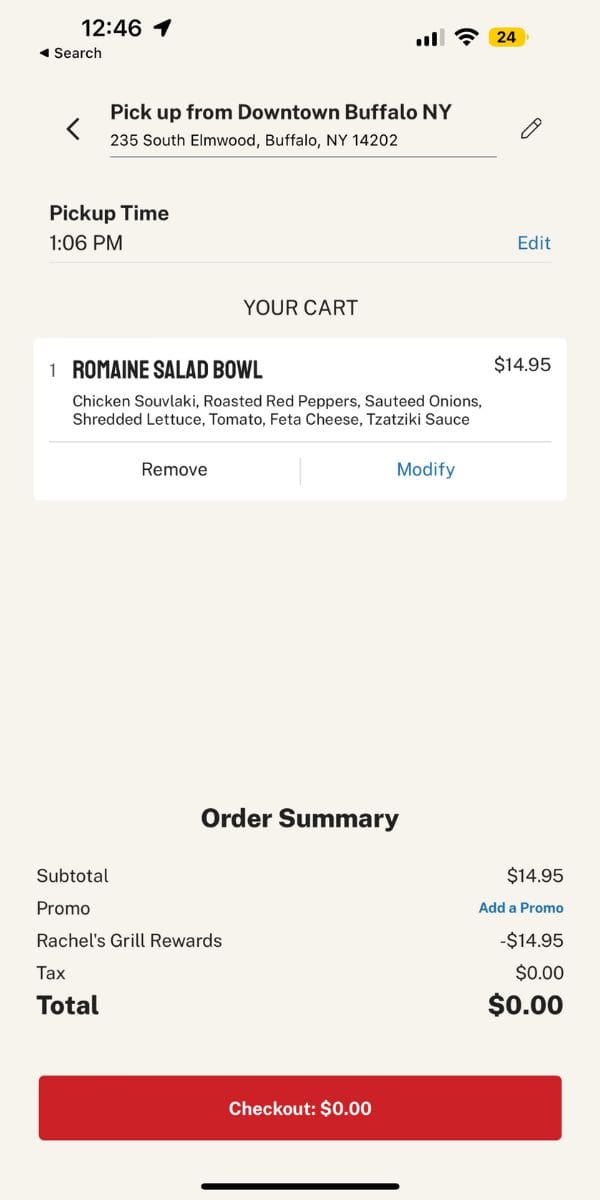
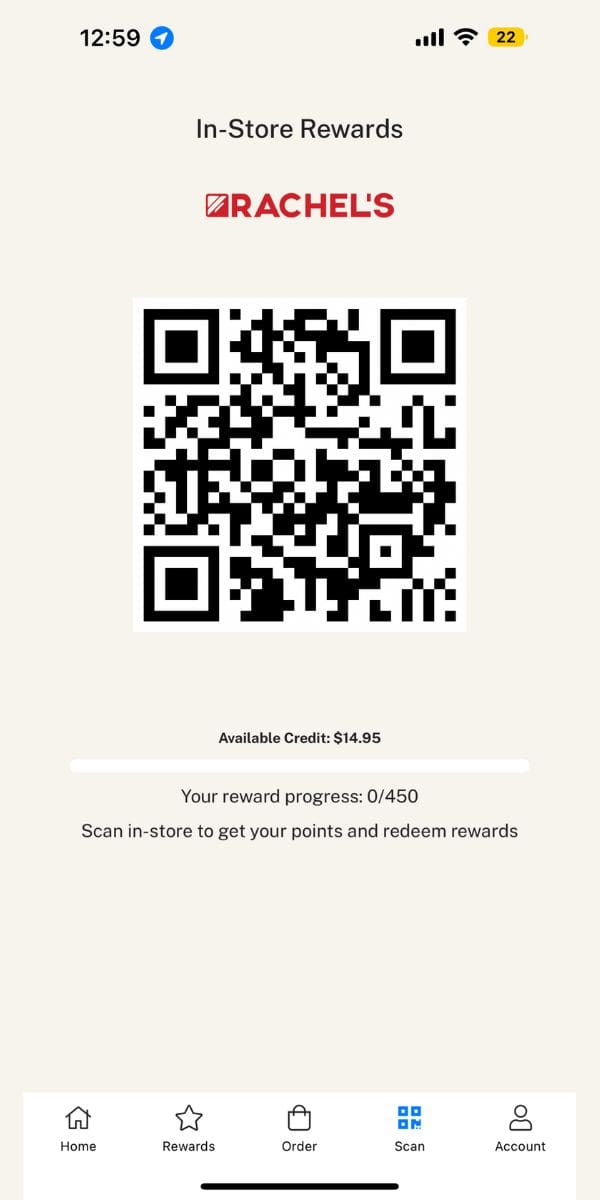
Earn 1 point for every dollar spent. Points add up quickly, and you can redeem them for free food. Get rewards when you order through the Rachels app or order in store and scan to earn!


FAQ
Kinda yes, kinda no. Our mobile app is the best way to experience Rachels Rewards. To earn points in the restaurant without a mobile device, you’ll need to keep your receipt and submit a points request at Missing points? Submit a points request here
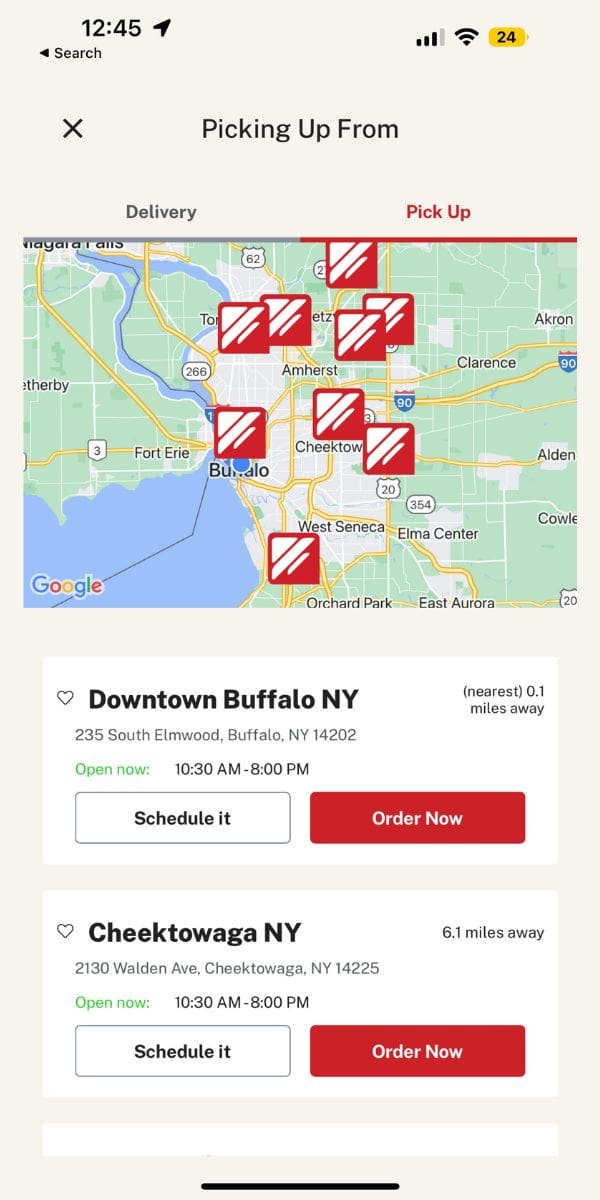
After creating an account, you will earn 1 point per dollar spent at Rachels. When you order through our mobile app or website on order.rachelsgrill.com, you will automatically earn points. You can also earn points in-store at the register when you scan your in app rewards QR code.
In order to receive your birthday reward, you must include your birthdate in your account profile. If there is an error with the birthdate on your account, please contact us at support@rachelsgrill.com.
Loyalty points will not be earned on the value of any redeemed rewards. Gift card purchases and any other non-food items such as taxes and delivery fees do not earn points.
Rachel’s Rewards do not currently apply to catering orders. Our IT department is currently working on integrating a catering-specific rewards program.
You can redeem your rewards on any of our menu items! Visit the Rewards tab in the app or online to redeem your points.
For in-app and online purchases, when you are ready to use a reward in your My Rewards tab, you’ll select “promos and rewards” when you are reviewing your cart. You can view all of your available rewards and select which one you’d like to redeem with this order. For in-store purchases, pull up the Scan tab in your app. Here, you will be able to scan the reward at the register and apply it to your purchase.
We recommend downloading our Rachels app which can be found in the Apple App Store or Google Play Store. You can also join online by creating an account at order.rachelsgrill.com by clicking “Log In” in the right-hand corner of the screen and signing up.
Go to “login” and tap “forgot password”. Enter the email address associated with your account and select “reset password”. You will be sent an email which will allow you to reset your password.
Please email us at support@rachelsgrill.com with your first, last name, and phone number associated with the account.
Denied payments can occur for multiple reasons. When the cardholder information passes securely between the payment processor and Lunchbox, the merchant-acquiring bank can deny the transaction due to various verification failures. Please ensure the following information is correct:
Card number
Billing address
Expiration date
CVV
Blocks/ locks placed on the card
Suspected fraud
Should this issue persist, please contact your credit card issuer for further assistance.
Get the latest scoop on Rachel’s Mediterranean Grill, including updates on new locations and exclusive discounts just for loyal customers.
We do not spam or blow up your inbox. And of course, you can unsubscribe at any time.